BookArc
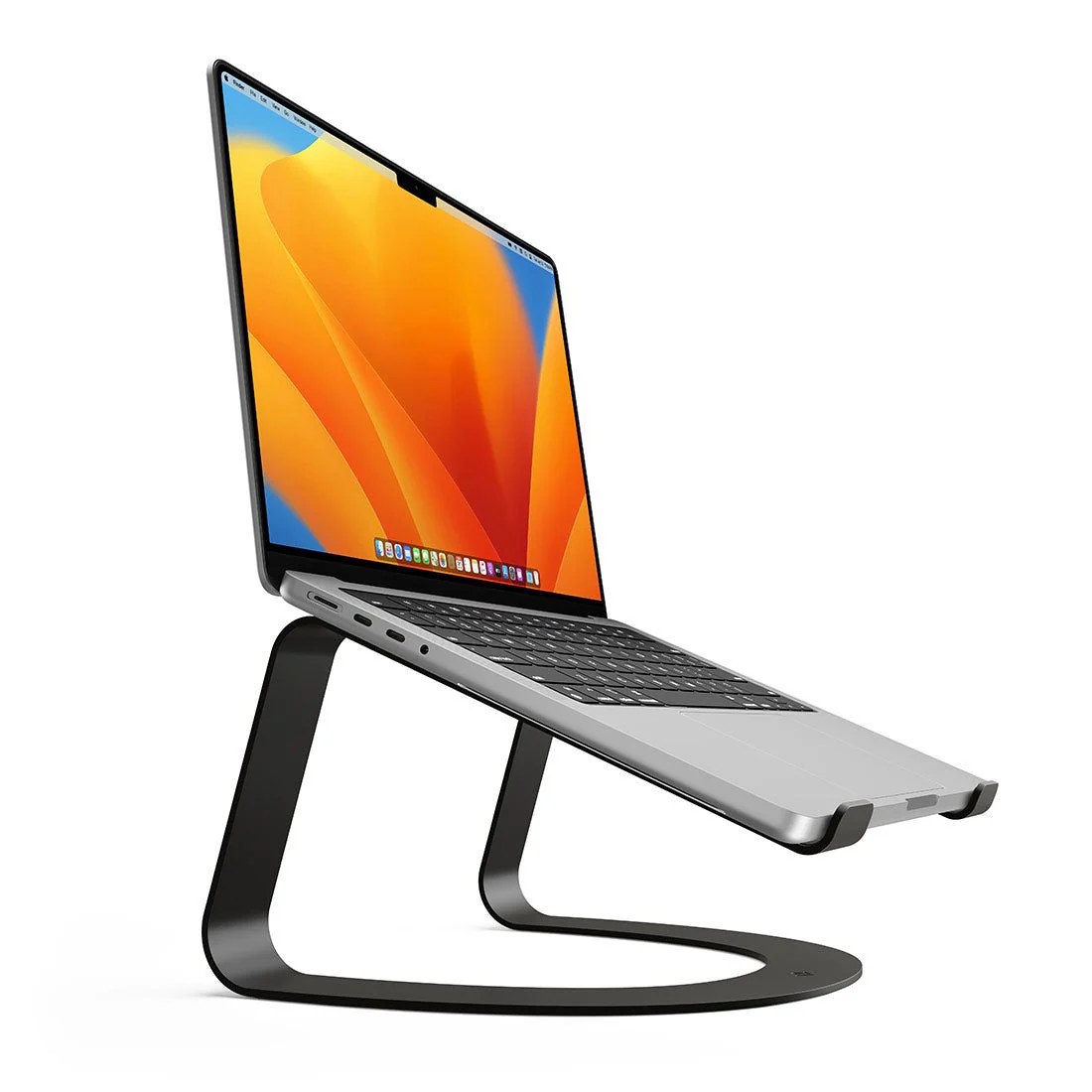
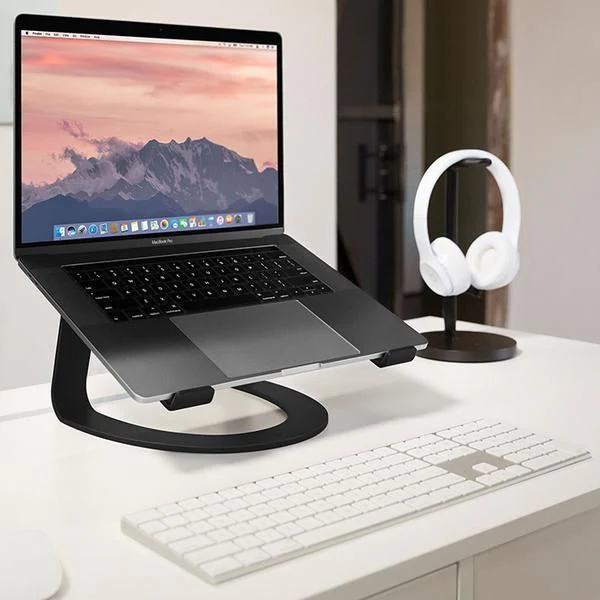
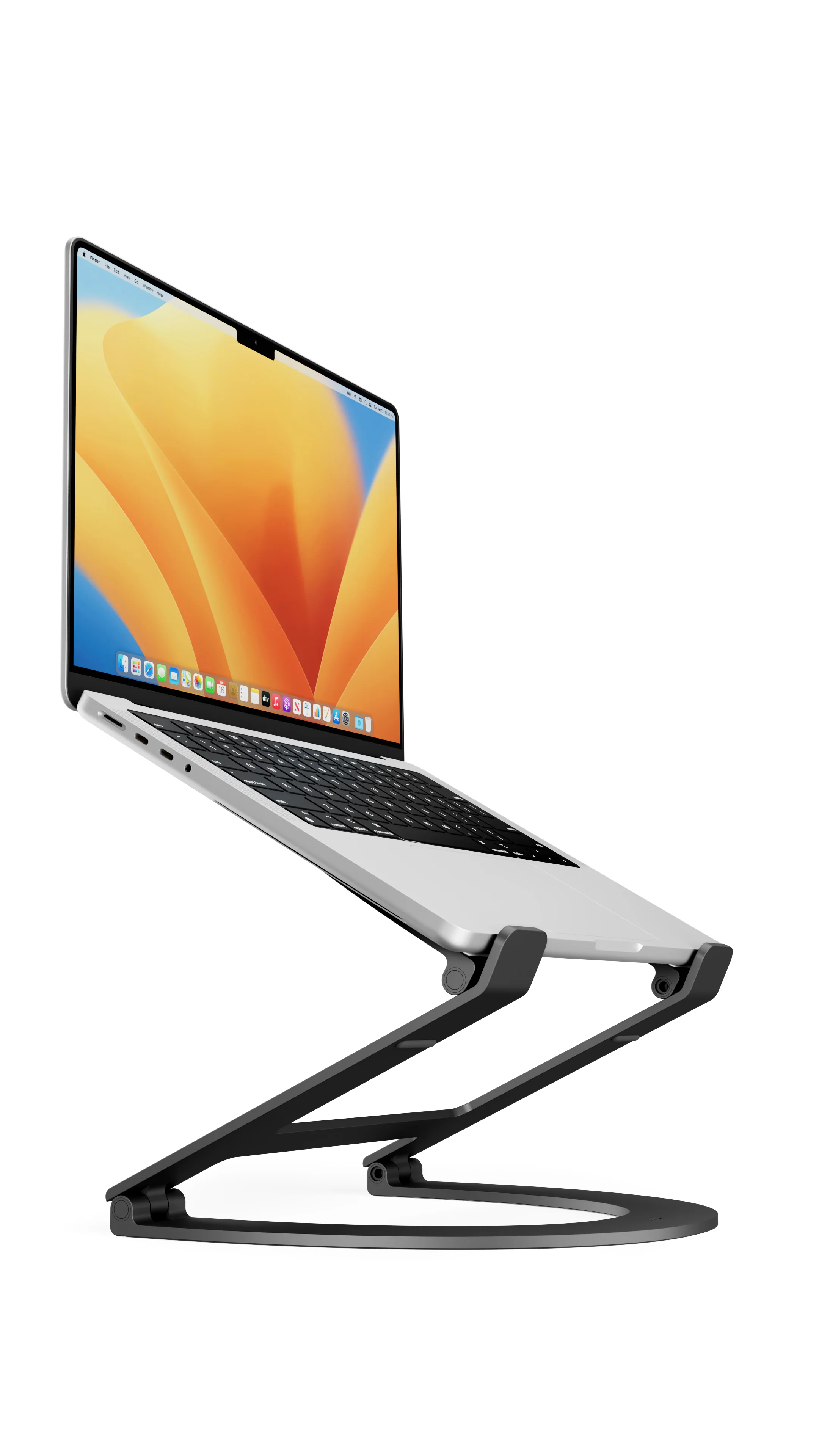
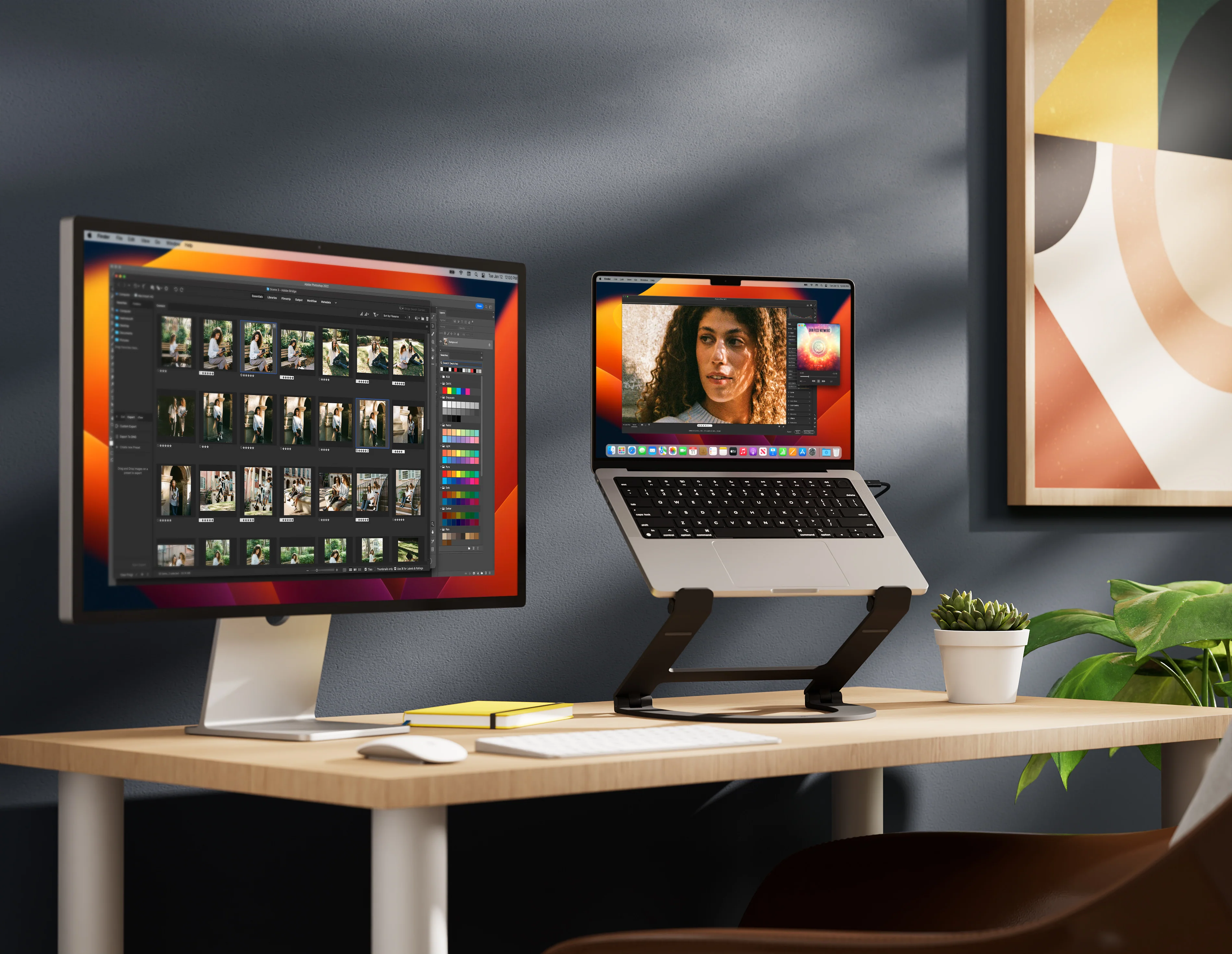
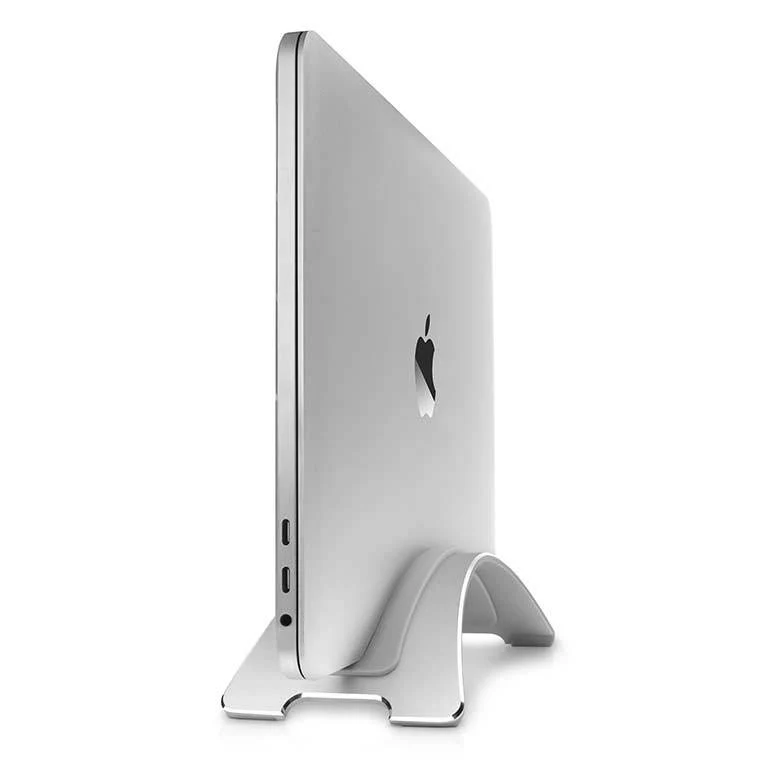
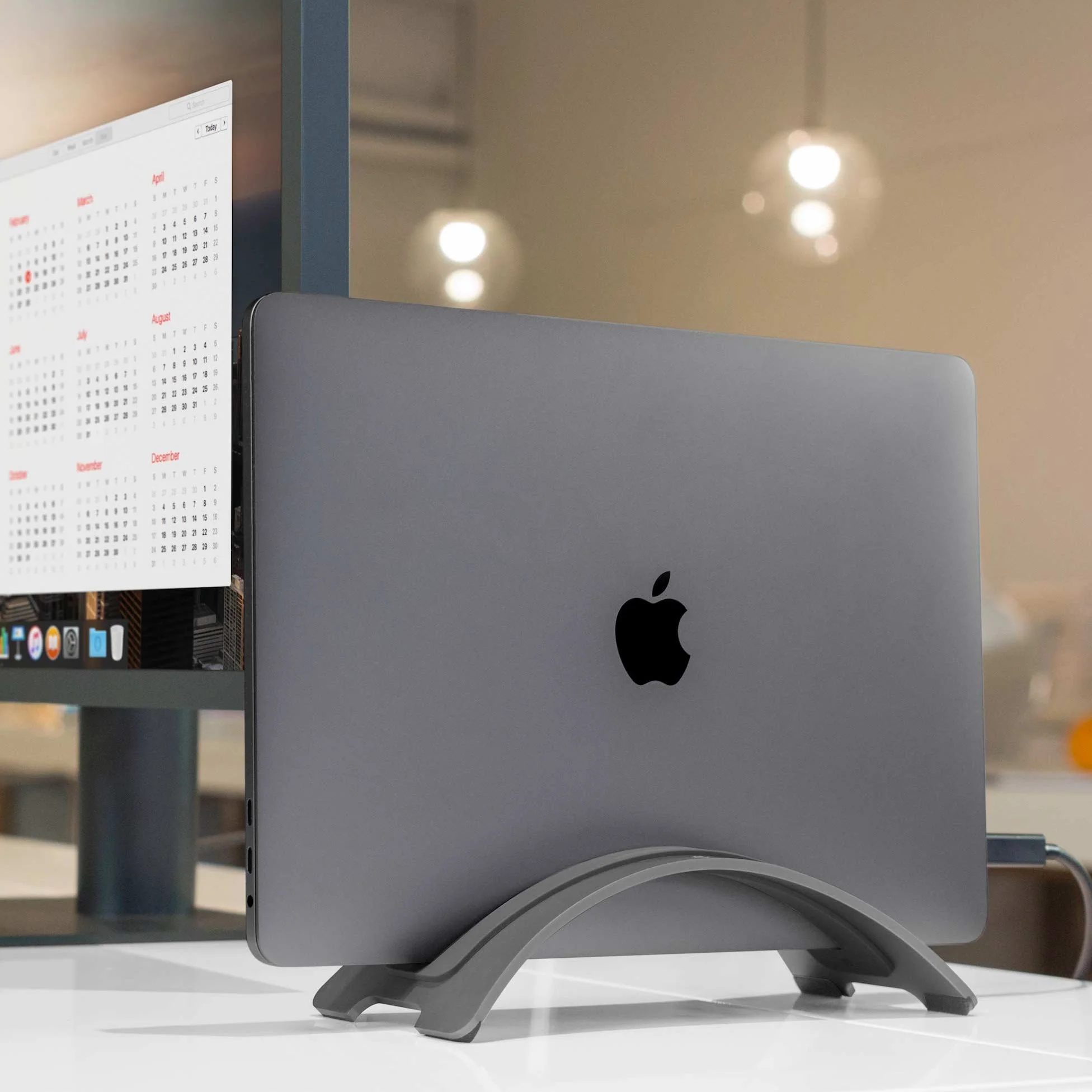
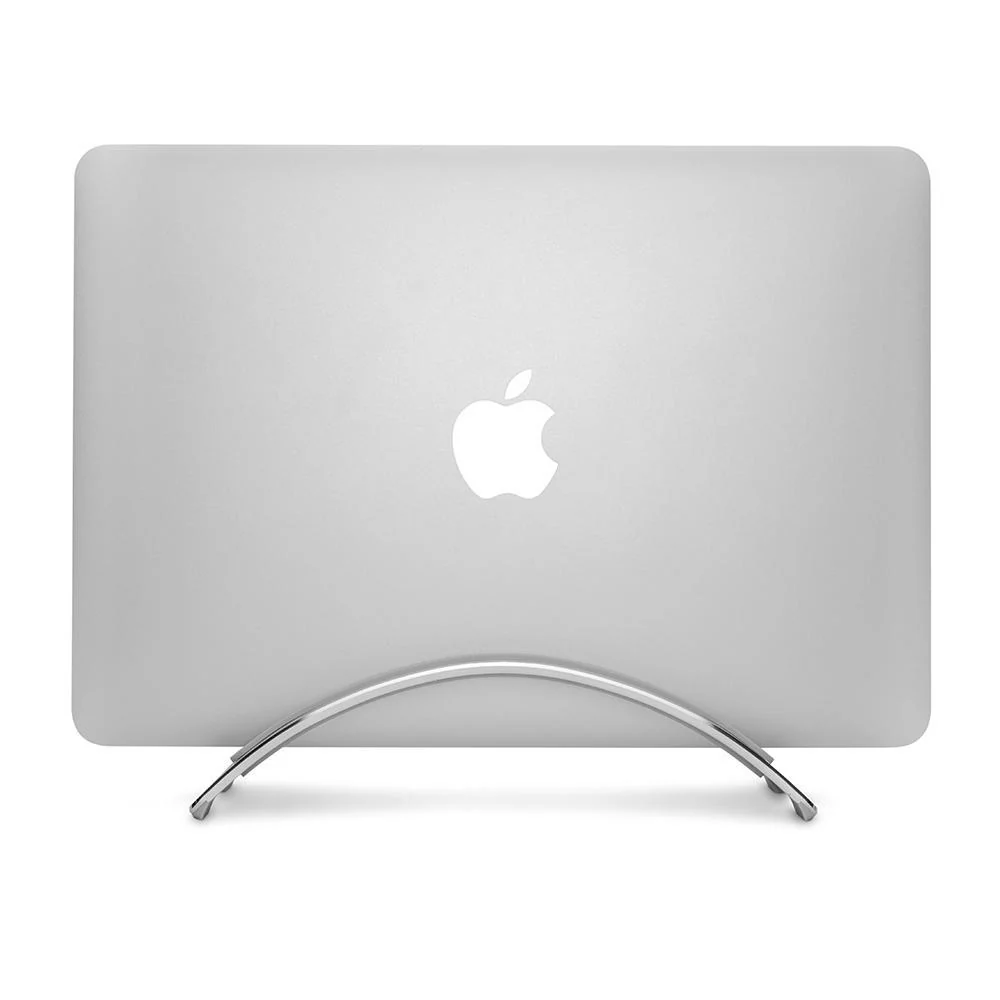
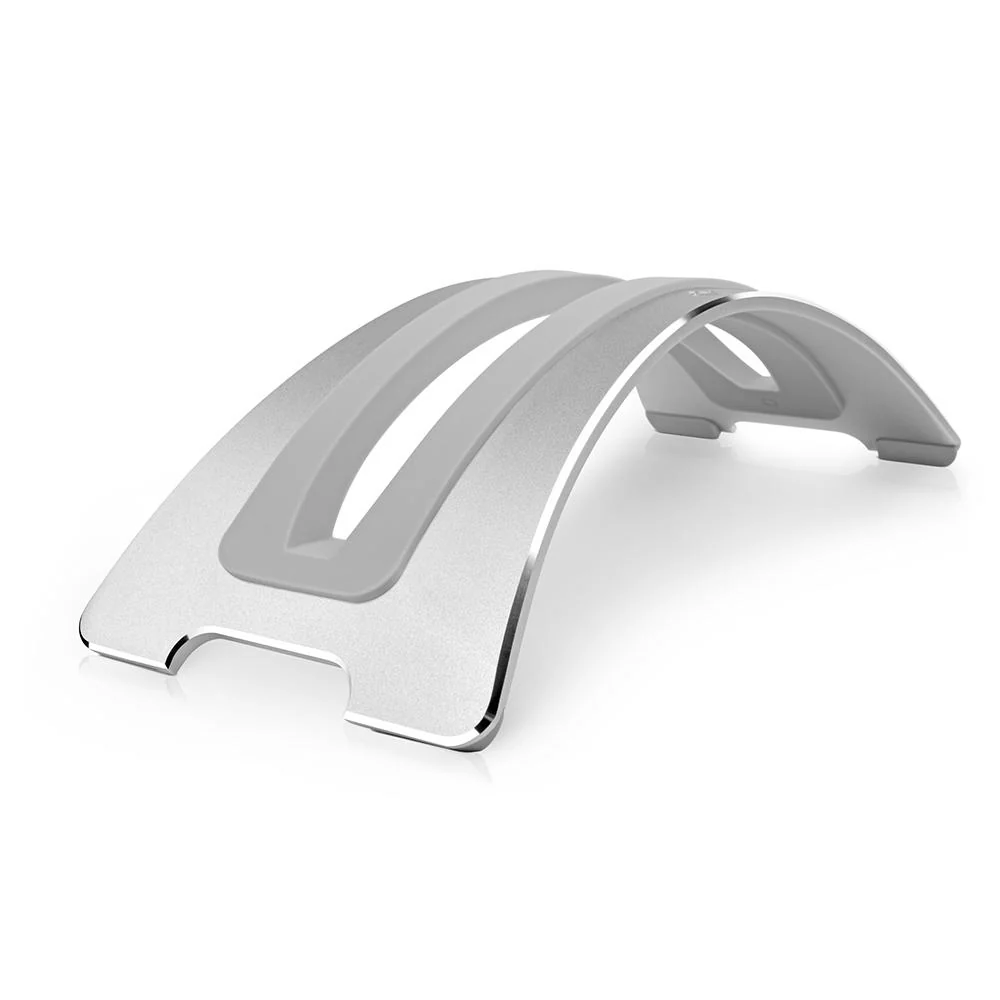
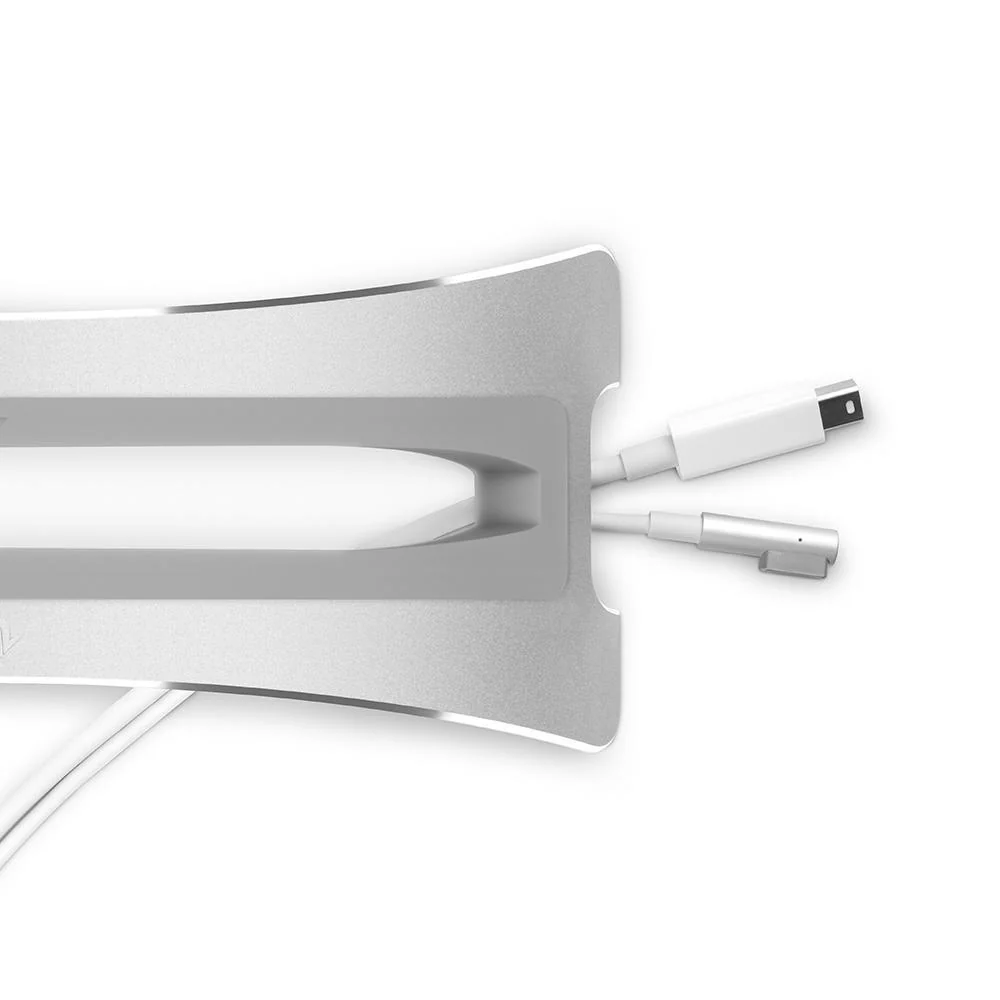
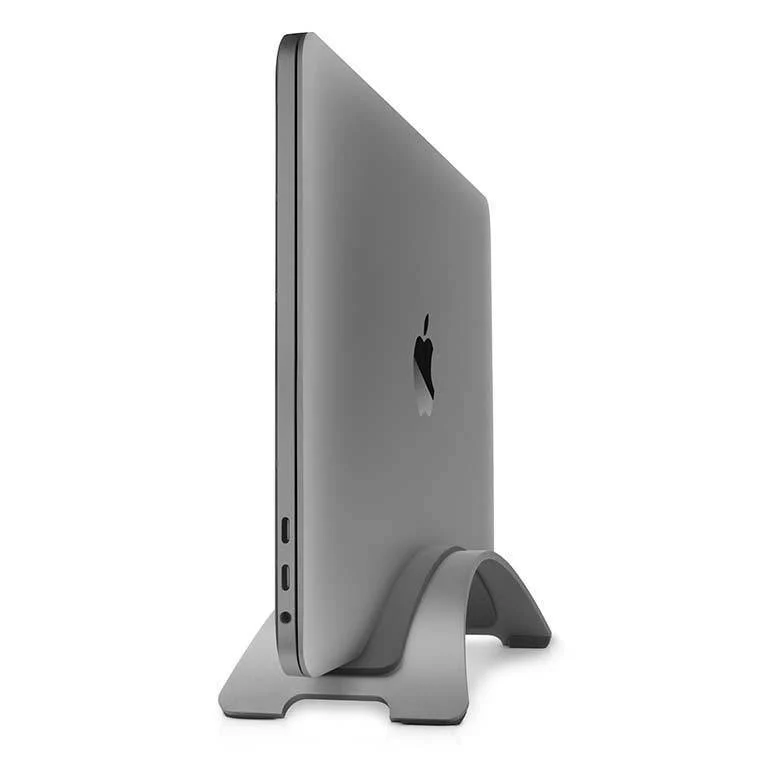
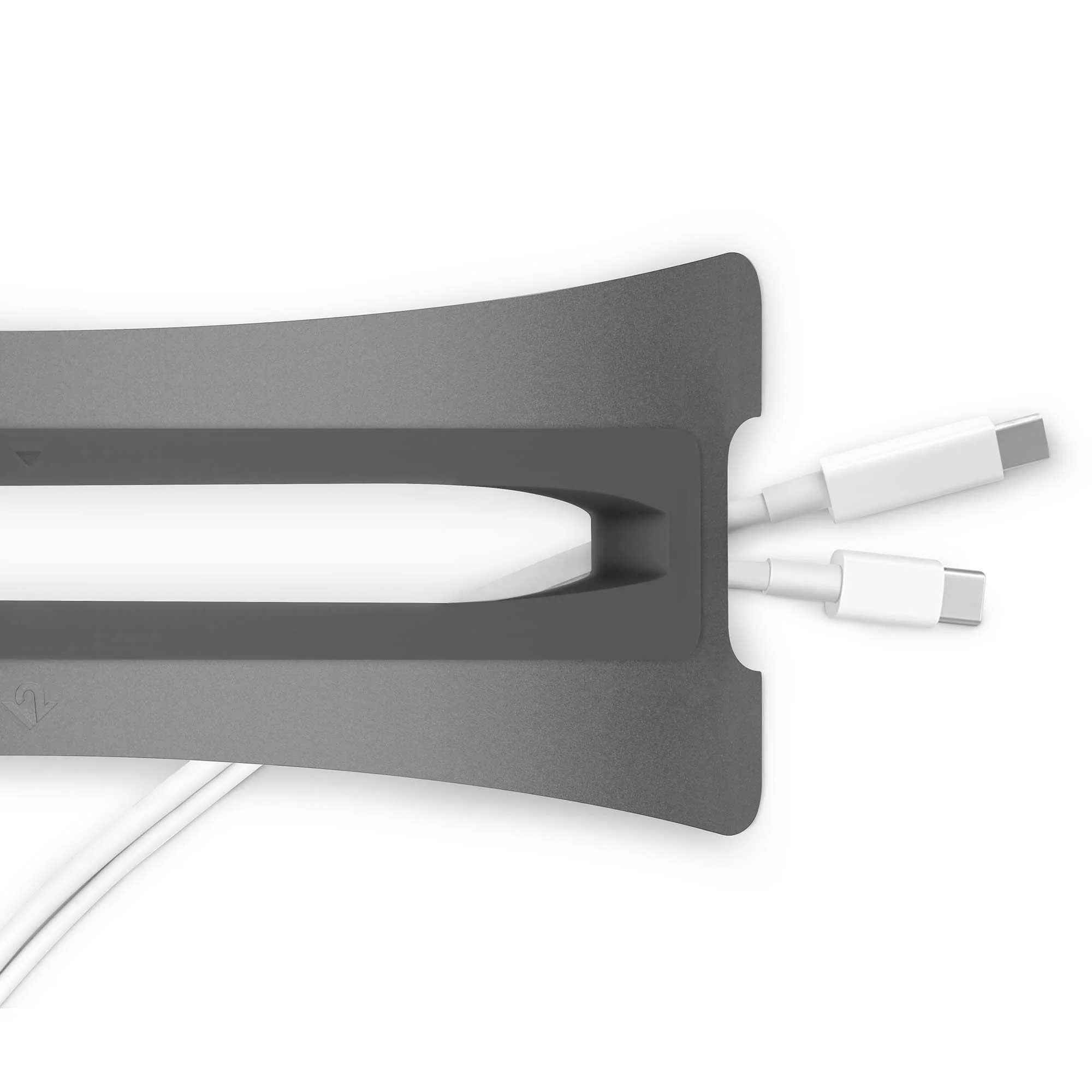
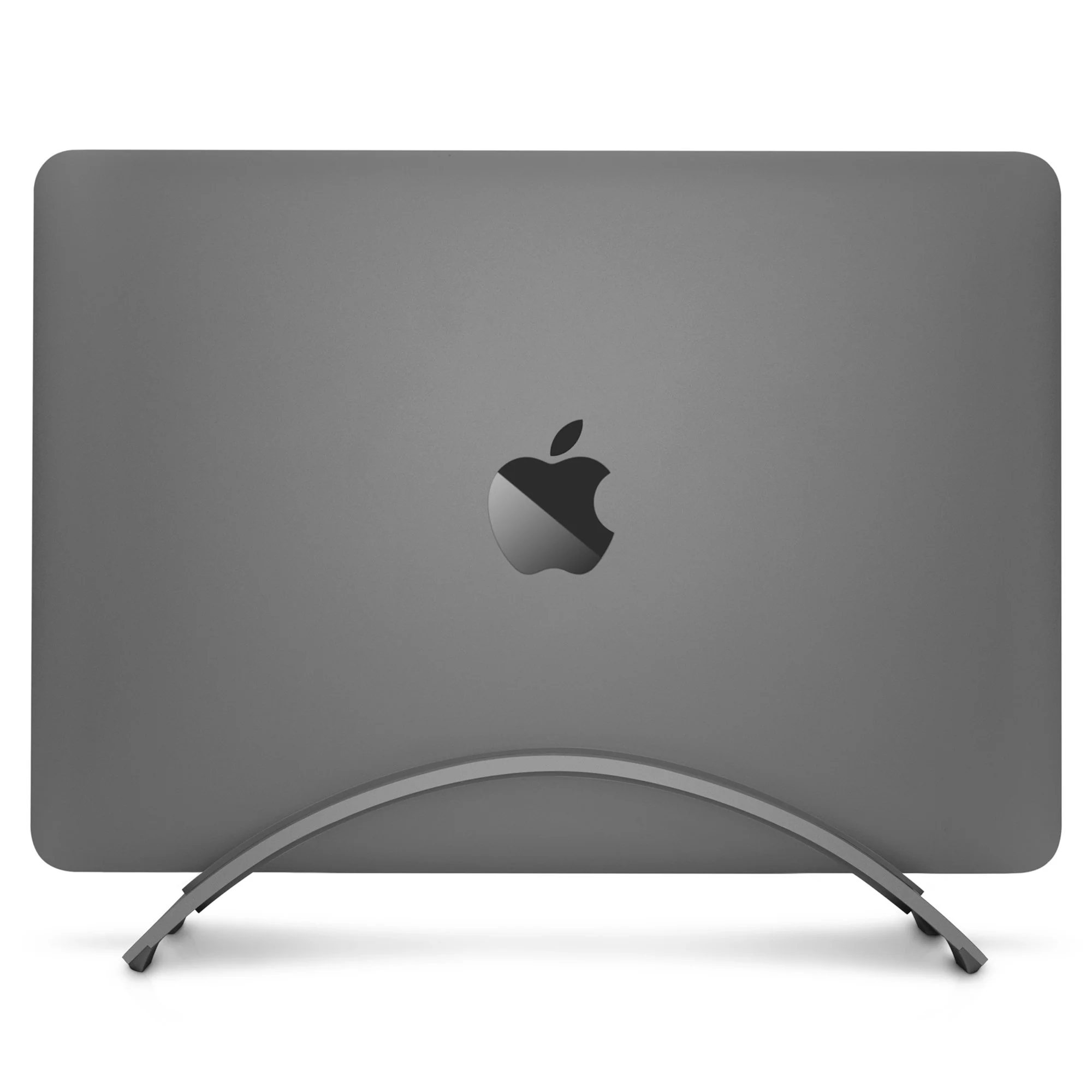
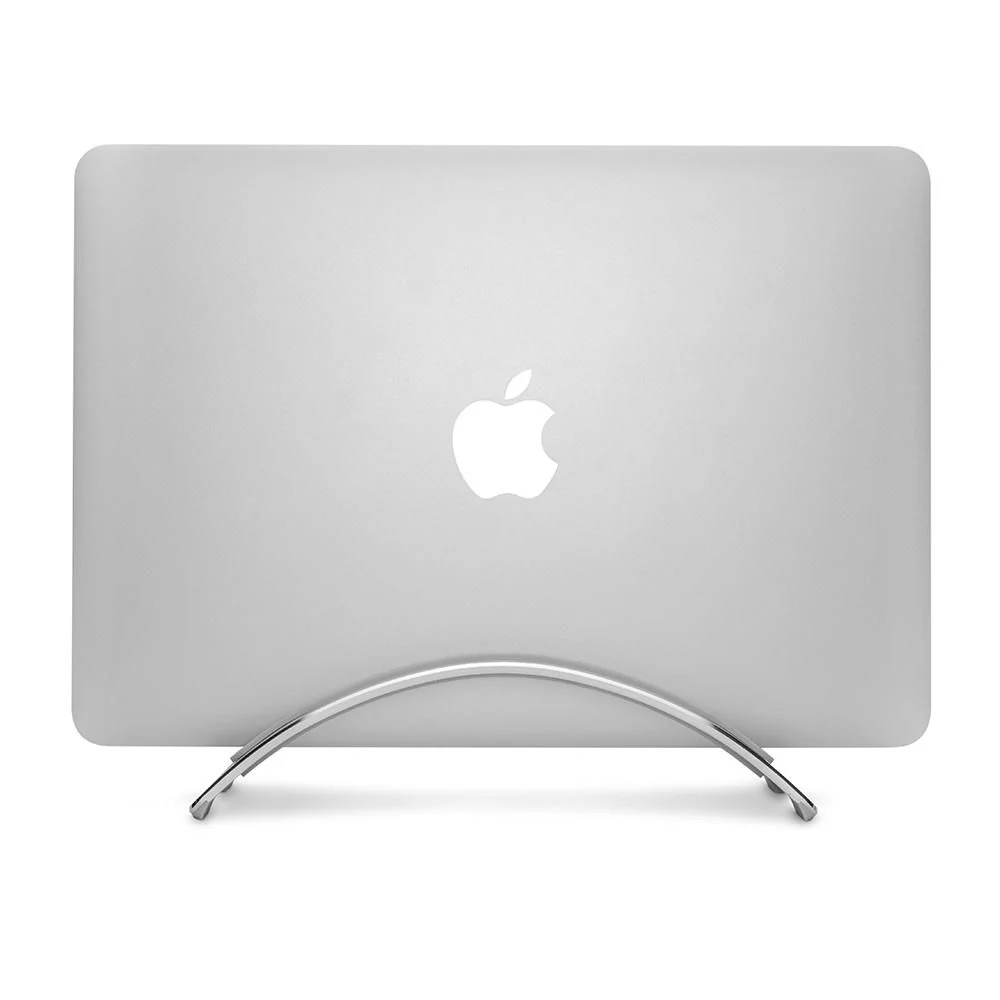
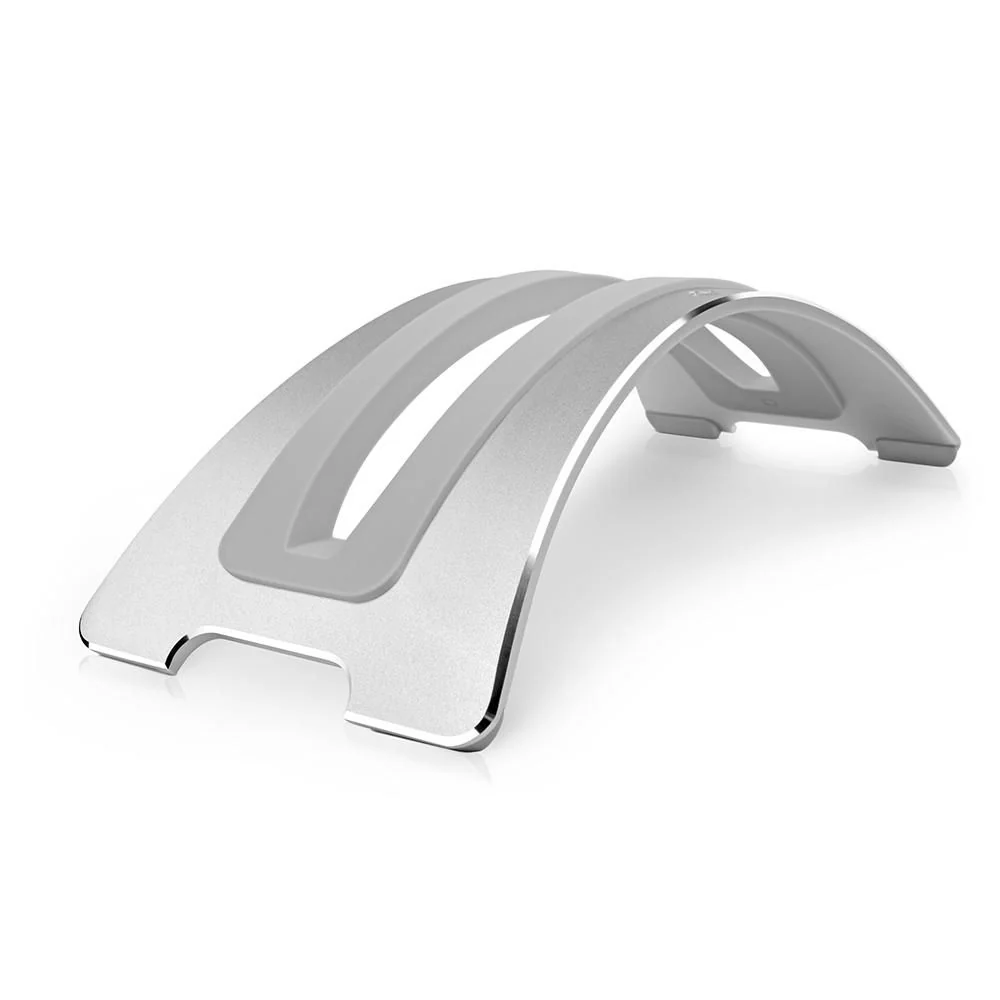
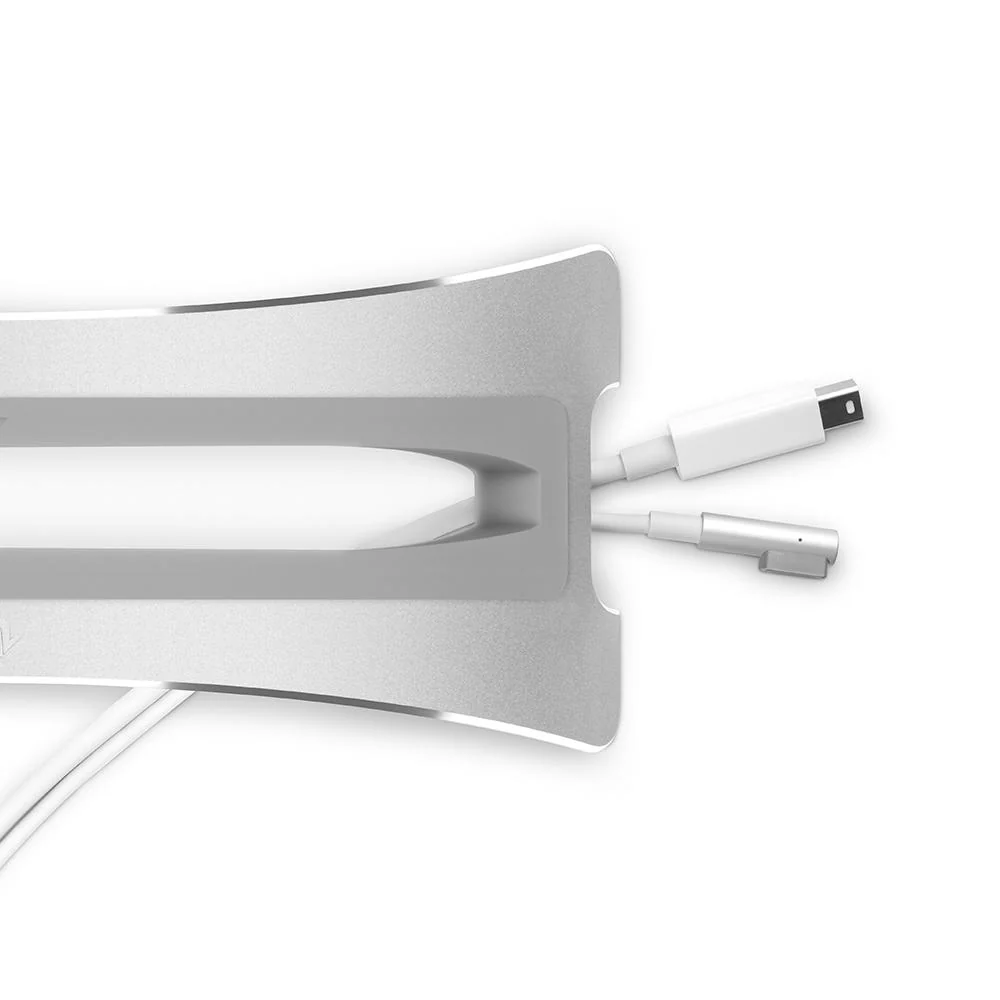
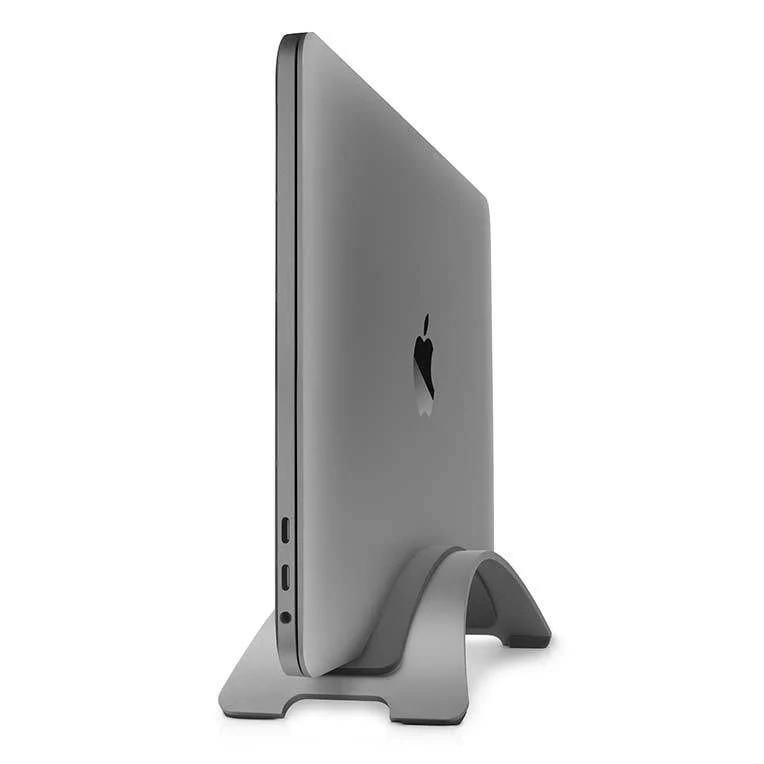
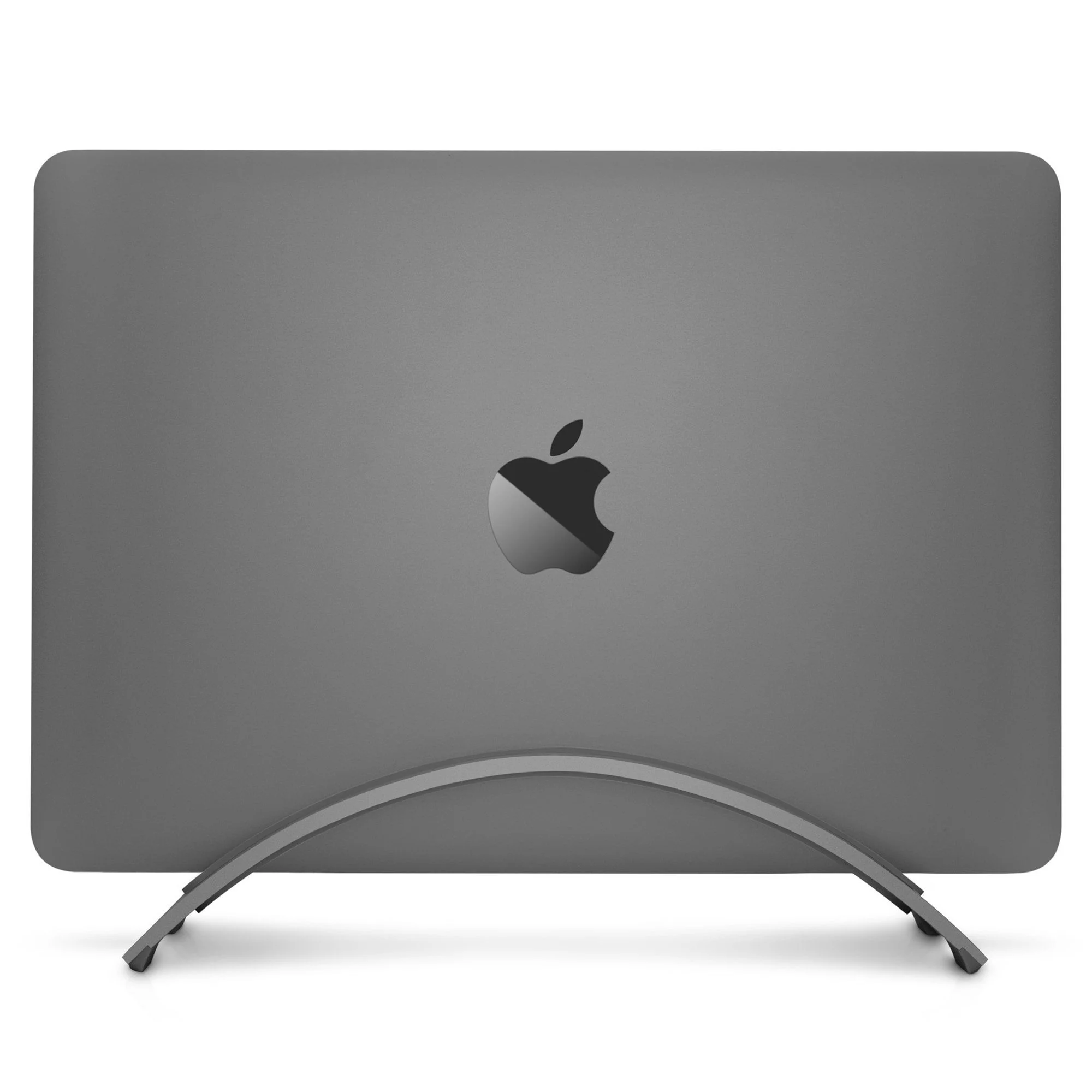
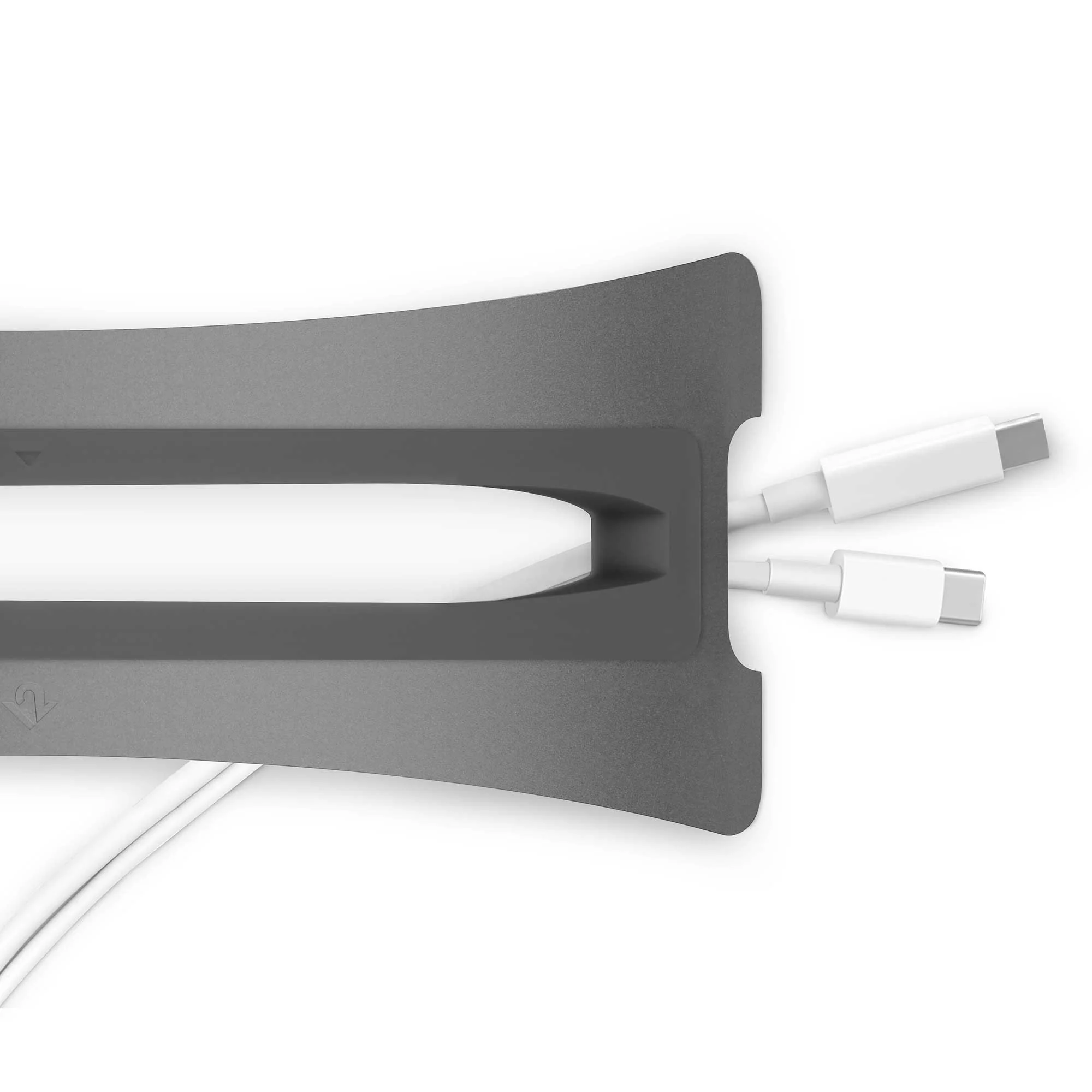
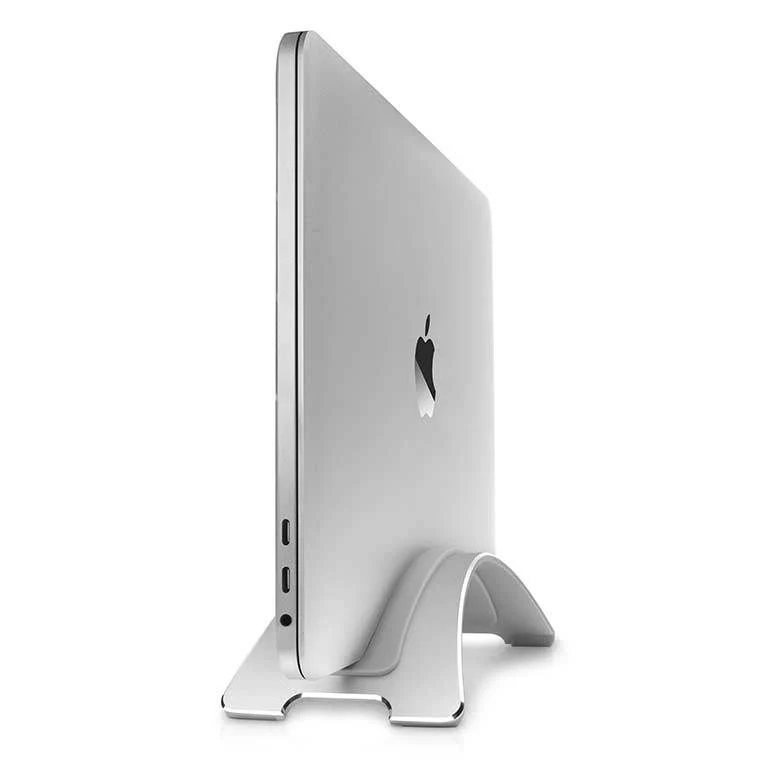
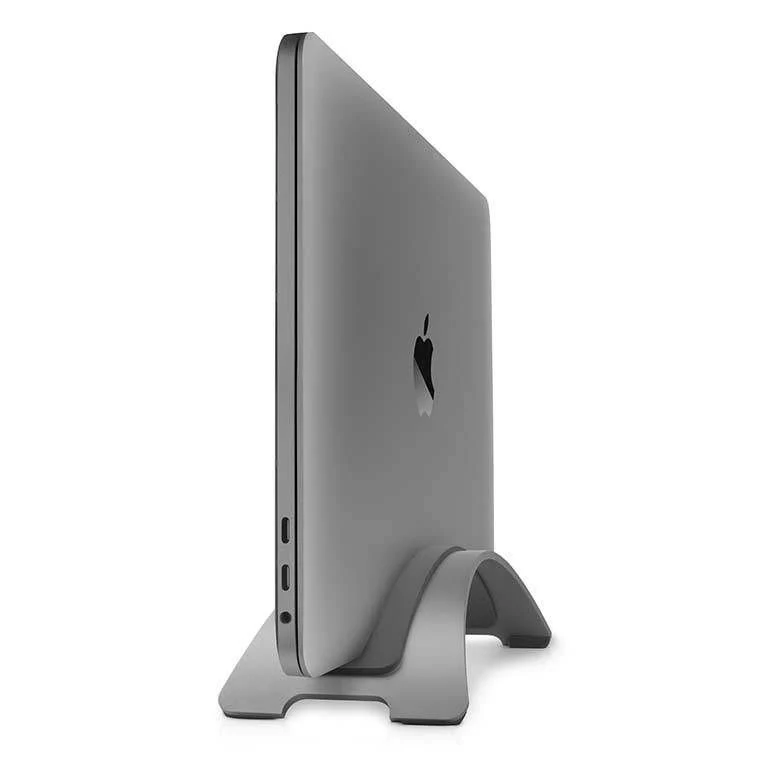
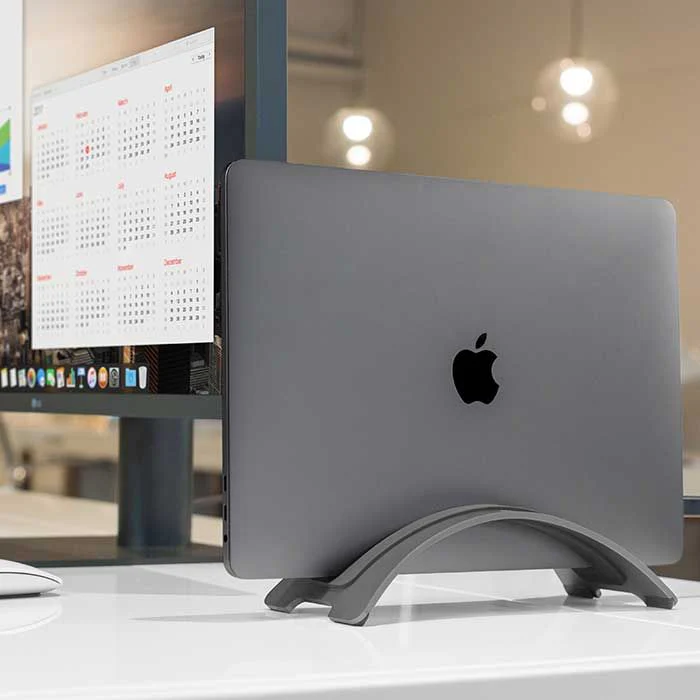
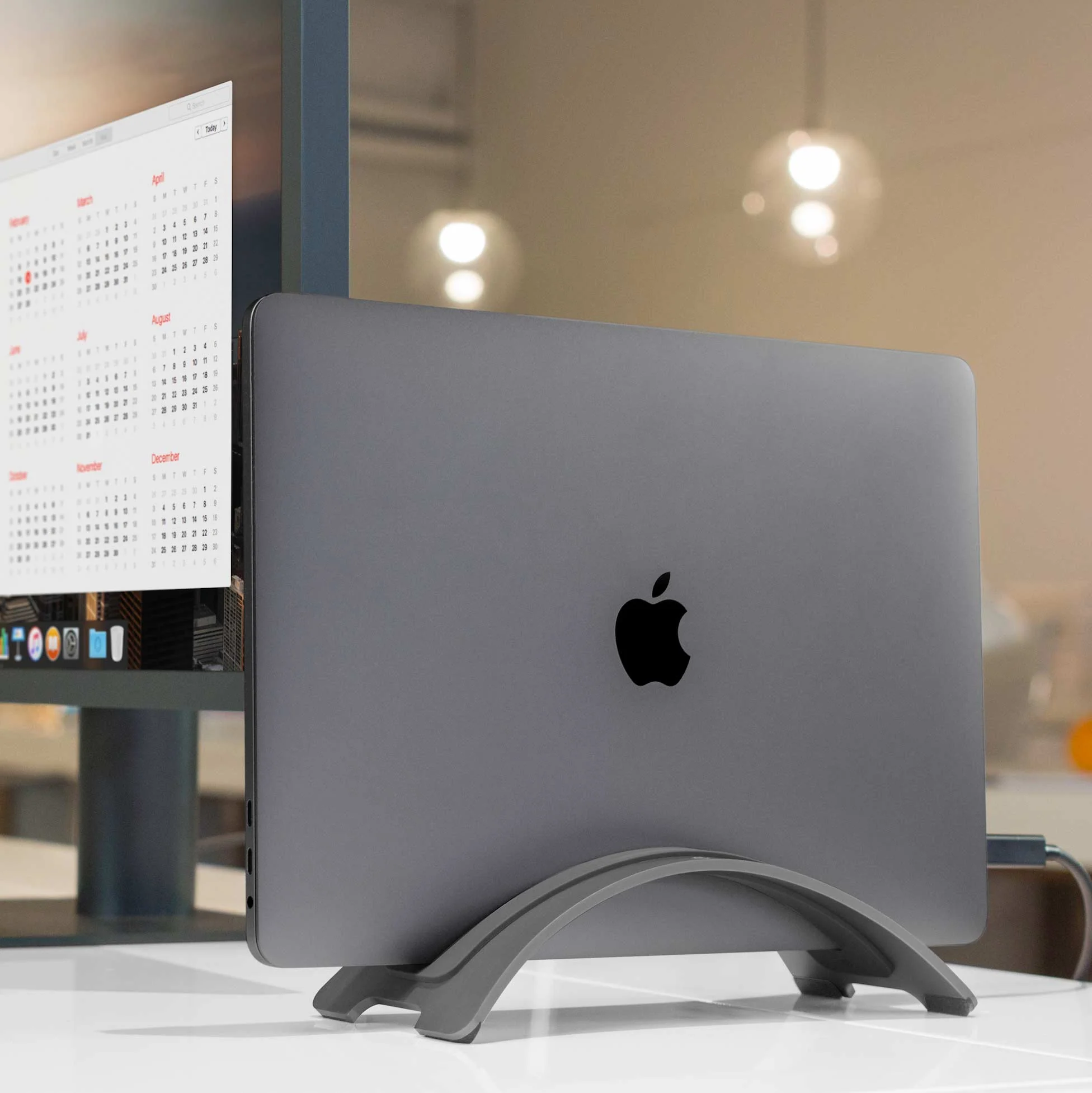
Make room for a big monitor by holding your MacBook vertically, off of your desk, with BookArc. Set MacBook atop BookArc, plug in your favorite external monitor, keyboard & mouse and now you've turned your compact laptop into a comfortable desktop setup. Photo editing, spreadsheets and other projects are easier to see on a bright 24-inch (or bigger) screen while your MacBook runs the show behind the scenes. When it's time to go mobile or head out for a meeting, unplug your desktop connections and the BookArc Cable Catch will keep them in place for you.
Is BookArc compatible with the new 15-inch MacBook Air?
Yes, just select BookArc for MacBook Air from the dropdown menu and Insert I, which adds compatibility for 15-inch MacBook Air, will be added to your cart for free!
I already have a BookArc. How can I get the newest inserts?
Update your BookArc with a new insert, available here.
Original: $9.99
-70%$9.99
$3.00Product Information
Product Information
Shipping & Returns
Shipping & Returns
Description
Make room for a big monitor by holding your MacBook vertically, off of your desk, with BookArc. Set MacBook atop BookArc, plug in your favorite external monitor, keyboard & mouse and now you've turned your compact laptop into a comfortable desktop setup. Photo editing, spreadsheets and other projects are easier to see on a bright 24-inch (or bigger) screen while your MacBook runs the show behind the scenes. When it's time to go mobile or head out for a meeting, unplug your desktop connections and the BookArc Cable Catch will keep them in place for you.
Is BookArc compatible with the new 15-inch MacBook Air?
Yes, just select BookArc for MacBook Air from the dropdown menu and Insert I, which adds compatibility for 15-inch MacBook Air, will be added to your cart for free!
I already have a BookArc. How can I get the newest inserts?
Update your BookArc with a new insert, available here.